Walk into an electronics store today and you’ll find an entire aisle dedicated to smart home gadgets — bulbs, plugs, locks, cameras, thermostats, all promising to make your house smarter. The problem isn’t availability anymore; it’s overwhelm. A few years ago, the biggest headache with smart home gadgets was compatibility: a bulb built for Alexa might refuse to talk to your Google speaker, and a lock designed for Apple Home might ignore your Samsung SmartThings hub entirely.
That fragmentation has largely been solved. Thanks to the Matter connectivity standard, backed jointly by Apple, Amazon, Google, and Samsung, most modern smart home gadgets now speak a shared language regardless of which voice assistant or app you prefer. This guide walks through exactly what’s worth buying, how the underlying technology works, and how to build a setup that will still be useful five years from now instead of becoming e-waste the moment a company shuts down its servers.
What Are Smart Home Gadgets, Exactly?
Smart home gadgets are internet-connected devices that let you monitor, automate, or remotely control everyday functions in your house — lighting, temperature, security, entertainment, and more — typically through a smartphone app or voice assistant. Unlike traditional appliances that operate in isolation, smart home gadgets are built to communicate with each other and with a central controller, creating automated routines rather than requiring manual input for every action.
The category is broad by design. A smart plug that lets you switch a lamp on remotely counts, but so does a robot vacuum that maps your floor plan and empties its own bin, or a video doorbell that recognizes familiar faces and sends alerts only when something unusual happens. What ties them together isn’t the specific function but the underlying philosophy: smart home gadgets are meant to reduce friction in daily routines, whether that means not fumbling for a light switch in the dark or getting a notification the moment a door opens while you’re away.
Why Matter and Thread Changed the Smart Home Gadgets Market
If you’ve shopped for smart home gadgets before 2022, you’ll remember checking product boxes for logos like “Works with Alexa” or “HomeKit Compatible” before buying anything. That fragmented approach meant consumers often had to pick one ecosystem and stay locked into it, since mixing brands frequently caused devices to malfunction or simply refuse to connect. Matter changed that dynamic by creating an open, manufacturer-agnostic standard that major players agreed to support jointly, meaning a Matter-certified bulb now works natively with Apple Home, Google Home, Amazon Alexa, and Samsung SmartThings without workarounds.
Thread, the low-power wireless mesh protocol that underpins much of Matter, deserves equal credit. Unlike traditional Wi-Fi smart home gadgets that connect directly to your router and can bog down your network once you have dozens of devices, Thread-enabled products form a self-healing mesh network where each powered device — a smart plug, a light switch — helps relay signals to others. As one veteran product tester put it after years of covering the category, checking for Matter certification is now “the single most useful certification to check for” when shopping. In practical terms, that means smart home gadgets set up faster, respond more reliably, and don’t quietly degrade your home Wi-Fi the way older Wi-Fi-only devices sometimes did.
The Core Categories of Smart Home Gadgets Worth Owning
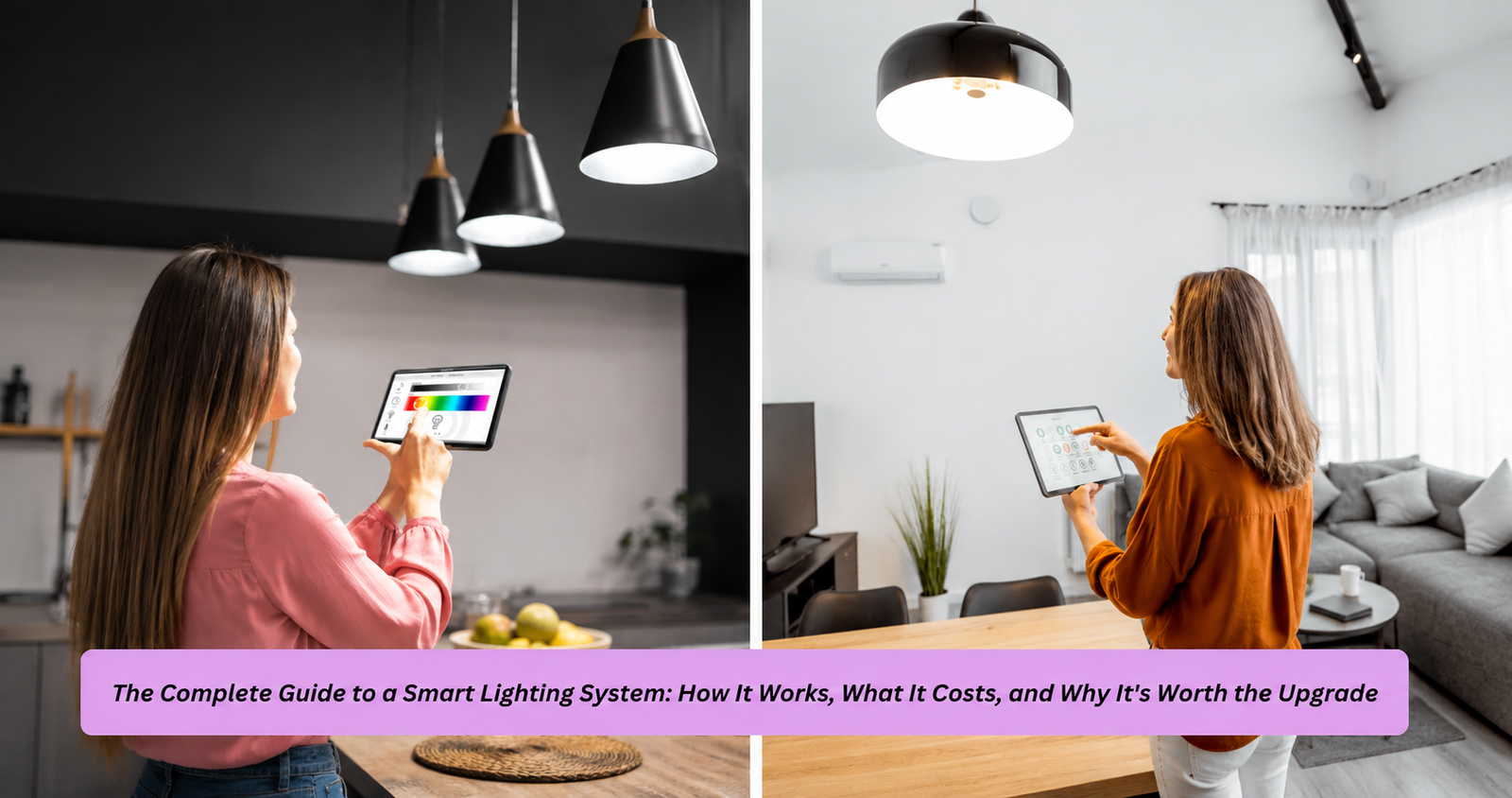
Not every category of smart home gadgets delivers equal value, and it’s worth being selective rather than buying everything at once. Smart lighting remains the most popular entry point because it’s inexpensive, easy to install, and immediately noticeable — a Matter-certified bulb can be dimmed, scheduled, or color-adjusted without any electrical work, and it typically costs less than $25. Smart plugs are a close second: they turn any existing lamp, fan, or appliance into a controllable device and, in many cases, add energy monitoring that reveals which gadgets are quietly drawing “phantom” power even when switched off.
Security-focused smart home gadgets — video doorbells, indoor cameras, and smart locks — occupy a different tier, both in price and in the stakes involved if something goes wrong. A smart lock with Matter-over-Thread support and a physical key backup offers real convenience, letting you grant temporary access codes to a dog walker or contractor without cutting a spare key. Climate-related smart home gadgets, particularly learning thermostats, round out a well-rounded setup by adjusting heating and cooling based on your actual schedule rather than a fixed timer, which the U.S. Department of Energy has estimate
d can save a household meaningful money annually depending on climate and usage patterns. The mistake most people make is buying a random assortment of devices from different generations of technology; a more effective approach is choosing categories that solve an actual daily frustration first.
How to Choose Smart Home Gadgets That Won’t Become Obsolete
The biggest risk with smart home gadgets isn’t a bad purchase today — it’s a good purchase that gets abandoned by its manufacturer next year. Cloud-dependent devices are particularly vulnerable: if a company shuts down its servers, discontinues an app, or pivots business models, gadgets that rely entirely on that company’s cloud infrastructure can become partially or completely useless overnight. This has already happened across the industry, which is part of why local processing and open standards have become such a priority for informed buyers.
When evaluating smart home gadgets, prioritize three things: Matter certification for cross-platform flexibility, local execution so core functions still work if your internet drops, and a manufacturer with a track record of long-term firmware support. Brands like Philips, Yale, and Google have generally built reputations for reliability, but reputation alone shouldn’t be the only filter — checking whether a device can operate locally, without a mandatory subscription or constant cloud round-trip, is one
of the clearest signals of longevity. A useful analogy here is buying a car versus leasing one: a smart home gadget that depends entirely on a company’s servers is more like a lease you can lose access to at any time, while a locally-controlled, Matter-certified device is closer to outright ownership.

Setting Up Smart Home Gadgets: What to Expect
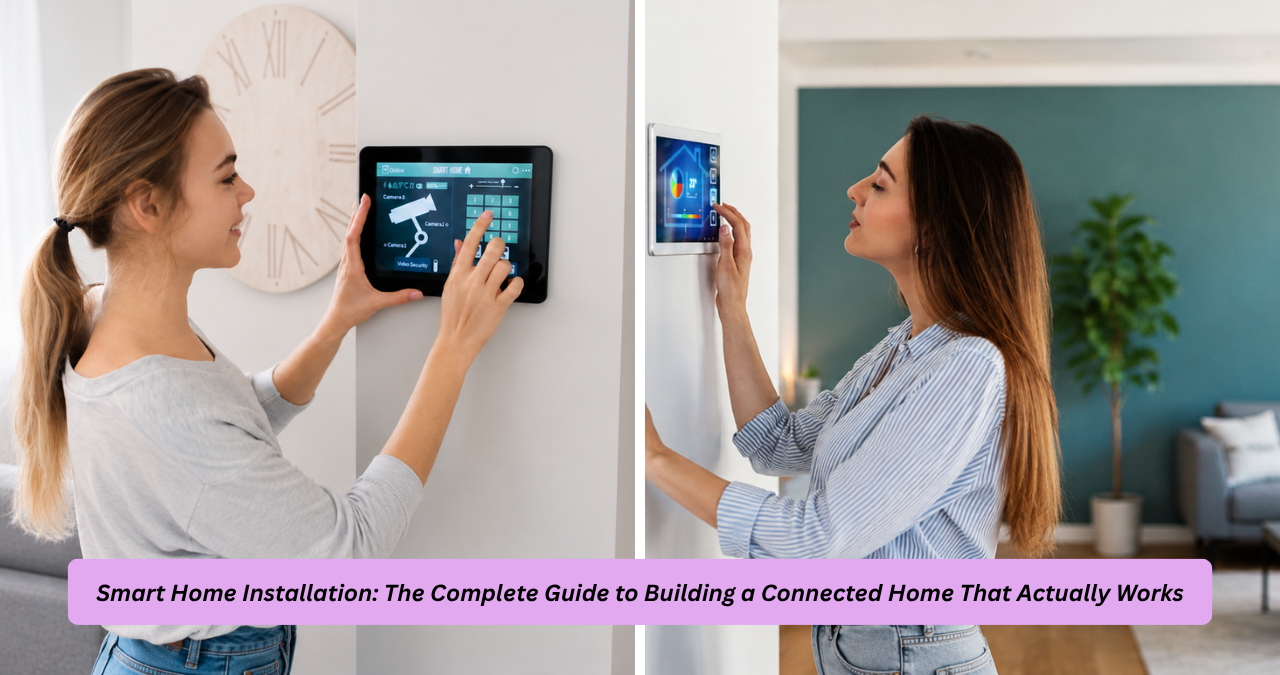
Getting started with smart home gadgets is far less technical than it used to be, but a little planning avoids common headaches. The general workflow involves choosing one primary controller — an Apple HomePod, Google Nest Hub, or Amazon Echo device, for example — since many of these double as a Thread border router, letting battery-powered sensors and locks communicate efficiently. From there, most Matter-certified smart home gadgets are added by scanning a QR code printed on the device itself, which pairs it to your chosen app in under a minute.
One practical tip that experienced users learn the hard way: keep those original setup QR codes even after your first pairing. Matter supports a feature called Multi-Admin, which lets a single device belong to more than one ecosystem simultaneously — useful in households where one partner uses an iPhone and Apple Home while the other prefers Android and Google Home — but re-adding a device to a second platform typically requires that original code. It’s also worth placing a handful of always-powered smart home gadgets, like smart plugs or light switches, strategically around the house early on, since each one extends your Thread mesh network and improves reliability for the more sensitive devices, like door sensors, added later.
Comparing Popular Smart Home Gadgets by Category
| Category | Typical Price Range | Common Protocol | Best For |
|---|---|---|---|
| Smart bulbs | $15–$50 | Matter over Thread or Wi-Fi | Instant lighting control and scenes |
| Smart plugs | $10–$25 | Matter (Wi-Fi or Thread) | Energy monitoring and legacy appliances |
| Smart locks | $150–$300 | Matter over Thread | Keyless entry and guest access |
| Video doorbells | $60–$250 | Wi-Fi, some Matter cameras | Package and visitor alerts |
| Smart thermostats | $100–$250 | Wi-Fi, Matter-compatible models emerging | Automated heating and cooling schedules |
| Robot vacuums | $250–$1,400 | Wi-Fi, Matter 1.5 adding support | Hands-off floor cleaning |
Frequently Asked Questions About Smart Home Gadgets
What are the best smart home gadgets for beginners?
The best smart home gadgets for someone just starting out are typically a smart speaker or display as a central controller, a few smart bulbs, and one smart plug. This combination is inexpensive, easy to set up without any electrical work, and gives an immediate, noticeable sense of what home automation can do before investing in higher-stakes categories like locks or cameras.
Do smart home gadgets need Wi-Fi to work?
Most smart home gadgets require an internet connection for remote access and voice assistant integration, but many Matter-certified devices are also capable of local execution, meaning core functions like turning on a light or locking a door continue working even if your internet connection drops. This local-first design is one of the biggest improvements the Matter standard has brought to the category.
Are smart home gadgets safe from hacking?
Any internet-connected device carries some level of risk, but that risk is manageable with reasonable precautions. Placing smart home gadgets on a separate guest network, keeping firmware updated, and choosing brands with strong security track records significantly reduces exposure, and Matter’s emphasis on local processing further limits how much data ever needs to leave your home network.
What is the difference between Matter and Thread in smart home gadgets?
Matter is the software-level standard that allows smart home gadgets from different manufacturers to communicate and work together across ecosystems like Apple Home, Google Home, and Alexa. Thread is the underlying low-power wireless protocol that many of those same devices use to physically transmit data, forming a resilient mesh network rather than relying solely on your home Wi-Fi.
How many smart home gadgets can one household realistically manage?
There’s no strict limit, but households running dozens of Wi-Fi-only smart home gadgets directly through their router can start to notice network slowdowns. Shifting toward Thread-enabled devices and a dedicated local hub resolves this bottleneck, allowing even larger setups with fifty or more devices to run smoothly without degrading everyday internet performance.
Final Thoughts on Building a Smarter Home
The smart home gadgets available today are dramatically more capable, more reliable, and more interoperable than what was on shelves even a few years ago, largely thanks to the widespread adoption of Matter and Thread. Rather than chasing every new product release, the smartest approach is to start with one or two categories that solve a genuine daily frustration, prioritize devices with local processing and strong manufacturer support, and expand gradually as your comfort and confidence grow. Do that, and the smart home gadgets you invest in today won’t just work well next month — they’ll still be earning their place in your home years from now.