Cutting the cord sounds simple until you’re staring at a wall of options wondering which streaming devices for TV actually deliver on their promises. Between Roku, Amazon Fire TV, Google TV, Apple TV, and the smart TV operating systems built directly into newer sets, the decision involves more nuance than most buying guides admit. This breakdown draws on actual usage patterns, performance benchmarks, and the kind of everyday friction points — laggy interfaces, inconsistent app support, remote control quirks — that only show up after weeks of real use, not a five-minute demo in a store.
Picking the right device isn’t just about specs on a box. It’s about matching hardware capability, interface philosophy, and app ecosystem to how you actually watch television, which varies more than people expect.
What Streaming Devices for TV Actually Do
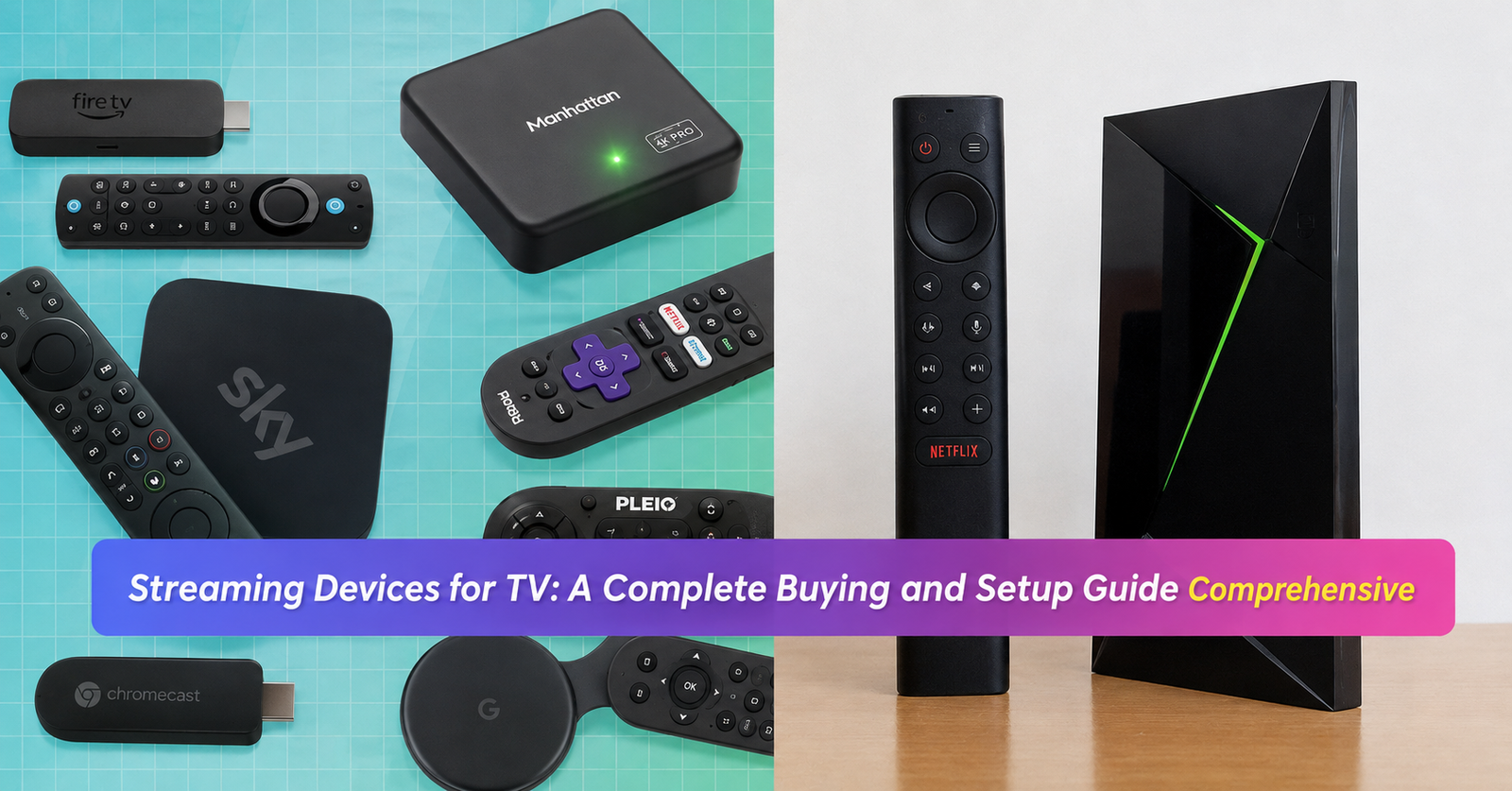
At a technical level, streaming devices for TV are small hardware units — sticks, boxes, or pucks — that connect to a television’s HDMI port and run an operating system capable of accessing apps like Netflix, Disney+, YouTube, and Hulu without needing a smart TV’s built-in software. They essentially turn any HDMI-equipped television into a smart TV, regardless of how old or basic that television’s native software might be.
This matters more than people realize because smart TV operating systems, especially on budget television models, tend to age poorly. A TV purchased five years ago might still have a perfectly good panel and picture quality, but its built-in app store could be missing newer services or running painfully slow due to underpowered internal processors that were never designed to handle modern app demands. A dedicated streaming device sidesteps that problem entirely by offloading all the processing to hardware that can be replaced or upgraded independently of the television itself, which is a meaningful advantage for anyone trying to extend the useful life of an otherwise solid TV.
Comparing the Major Platforms
Roku has built its reputation on simplicity and platform neutrality — it doesn’t push any single streaming service over another, which appeals to users who find Amazon’s or Google’s ecosystems too aggressively self-promotional. The interface is fast, the remote is straightforward, and the Roku Channel offers a surprisingly deep library of free ad-supported content, which adds real value for cost-conscious households.
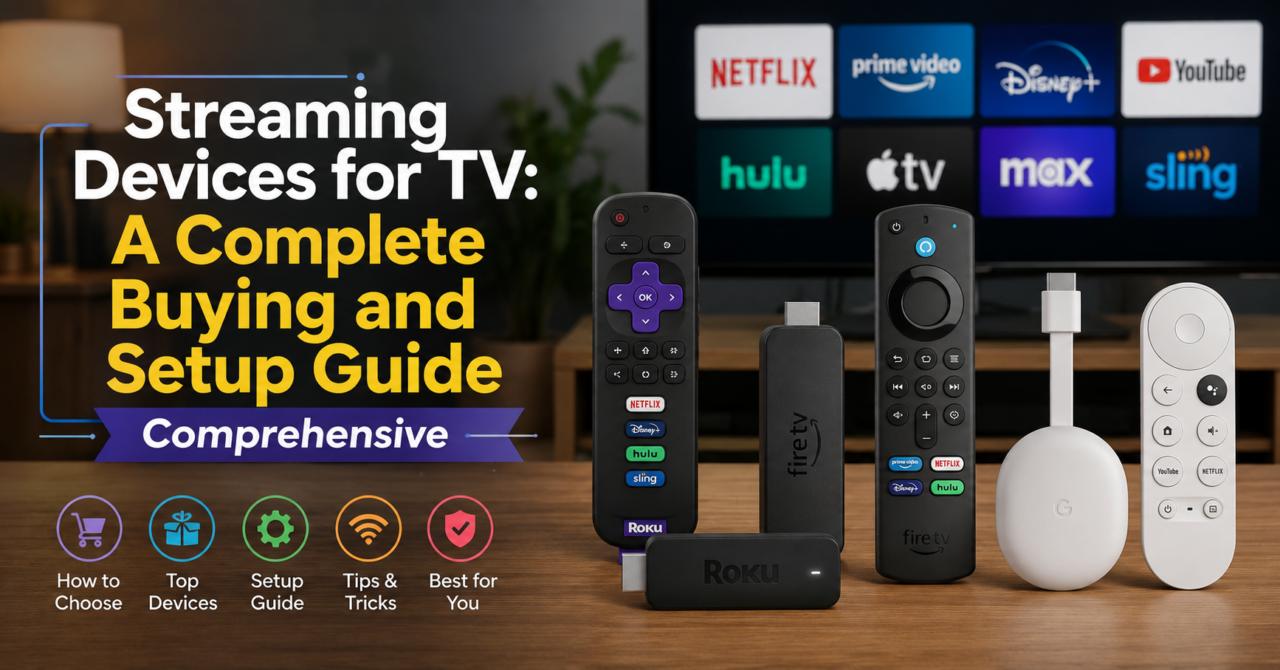
Amazon’s Fire TV lineup, by contrast, integrates tightly with Alexa voice controls and Amazon’s own Prime Video ecosystem, which makes sense given the company’s incentives but can feel overly promotional to users who don’t subscribe to Prime. Google TV, running on Chromecast hardware, leans heavily into personalized recommendations pulled from viewing history across multiple apps, which some users find genuinely useful and others find intrusive. Apple TV sits at the premium end of streaming devices for TV, with the tightest integration into Apple’s ecosystem — AirPlay, HomeKit, and iPhone connectivity — but it comes at a noticeably higher price point than competitors offering similar core functionality.
Performance Factors That Actually Matter
Processing power and RAM are the specs that most directly affect day-to-day usability, yet they’re often buried in fine print rather than highlighted on packaging. A device with insufficient RAM will show its limitations quickly once you’re running multiple apps, switching between services, or using voice search — menus stutter, apps take longer to launch, and background processes compete for limited resources. This is one of the most common complaints people have after purchasing a budget-tier device, only to discover the interface feels sluggish within the first few weeks of ownership.
Wi-Fi connectivity standards matter just as much, particularly for households streaming in 4K. A device that only supports older Wi-Fi standards will struggle to maintain a stable 4K stream, especially in homes with multiple connected devices competing for bandwidth. As one home theater technician who’s installed hundreds of these systems for clients put it, “People blame their streaming service for buffering issues when nine times out of ten, it’s actually the device’s Wi-Fi chip that can’t keep up with a 4K HDR stream alongside everything else running on the network.” Prioritizing devices with Wi-Fi 6 support, where budget allows, tends to eliminate a significant portion of buffering complaints entirely.
Resolution, HDR, and Audio Support Explained
Not all streaming devices for TV support the same resolution and color standards, and this is where marketing language can get genuinely confusing. A device might advertise “4K compatible” without clarifying whether it supports HDR10, Dolby Vision, or simply standard 4K resolution without any dynamic range enhancement. HDR, or high dynamic range, expands the contrast and color range a screen can display, making bright scenes brighter and shadows more detailed rather than crushed into flat black. Dolby Vision goes a step further with dynamic, scene-by-scene metadata, generally producing a more refined image than the more basic HDR10 standard.
Audio passthrough is another frequently overlooked spec. Devices that support Dolby Atmos passthrough can send full object-based surround sound information to a compatible receiver or soundbar, while devices without this support will downmix audio, resulting in a noticeably flatter sound experience during movies and shows mixed specifically for immersive audio. If you’ve invested in a decent soundbar or home theater receiver, checking Atmos passthrough support before buying is a step that’s easy to skip and expensive to regret.
Comparison Table: Popular Streaming Devices for TV
| Device | Max Resolution | HDR Support | Voice Assistant | Best For |
|---|---|---|---|---|
| Roku Ultra | 4K | HDR10+, Dolby Vision | Roku Voice | Neutral, ad-light interface |
| Fire TV Stick 4K Max | 4K | HDR10+, Dolby Vision | Alexa | Prime subscribers |
| Chromecast with Google TV | 4K | HDR10+, Dolby Vision | Google Assistant | Personalized recommendations |
| Apple TV 4K | 4K | Dolby Vision | Siri | Apple ecosystem users |
| Nvidia Shield TV Pro | 4K | HDR10, Dolby Vision | Google Assistant | Gaming and power users |
Setup, Compatibility, and Common Problem-Solving
Setting up streaming devices for TV is generally straightforward, but a handful of recurring issues tend to trip people up. HDMI-CEC, a feature that lets your streaming device control your TV’s power and volume through a single remote, isn’t always enabled by default and needs to be manually turned on in the television’s settings menu. Skipping this step is one of the most common reasons people end up juggling two remotes instead of one, despite owning a device that fully supports single-remote control.
Bandwidth allocation is another practical consideration, especially in households with several streaming devices running simultaneously. Router quality of service settings can be adjusted to prioritize streaming traffic over other background activity like large downloads or cloud backups, which noticeably reduces buffering during peak usage hours. For anyone dealing with persistent lag despite a strong overall internet plan, checking router placement relative to the streaming device is also worth doing — a router positioned too far away, or blocked by walls and furniture, can bottleneck even a fast connection before it ever reaches the device itself.
Making the Right Choice for Your Household
The right pick among streaming devices for TV really depends on which ecosystem you’re already invested in and how you use your television day to day. Someone deeply embedded in the Amazon ecosystem, with a Ring doorbell and Echo speakers already in the house, will get more integrated value from a Fire TV device than they would from a neutral platform like Roku. Conversely, someone who wants a clean, fast interface without algorithmic recommendations pushing specific content will likely prefer Roku’s more hands-off approach.
Gamers represent a smaller but distinct use case worth mentioning separately. The Nvidia Shield TV Pro, while pricier than most competitors, offers cloud gaming support and considerably more processing power than typical streaming sticks, making it a better fit for households that want their streaming device to double as a light gaming hub. For most households, though, the decision comes down to interface preference, existing smart home integration, and budget — and any of the major platforms will handle core streaming needs competently once properly set up.
Frequently Asked Questions
What’s the difference between streaming devices for TV and smart TVs?
A smart TV has streaming software built directly into the television, while streaming devices for TV are separate hardware units that plug into any HDMI-equipped television to add or upgrade smart functionality. The main advantage of a separate device is that it can be replaced or upgraded independently, avoiding the performance decline that often happens as a smart TV’s built-in software ages.
Do I need 4K streaming devices for TV if my television isn’t 4K?
If your television only supports 1080p or lower resolution, a 4K streaming device won’t provide any visible benefit since the output will be limited by your television’s native resolution anyway. In that case, opting for a more affordable HD-only device makes more financial sense, and you can always upgrade the device later if you eventually purchase a 4K television.
Why do streaming devices for TV sometimes lag or buffer?
Buffering is usually caused by a combination of insufficient device processing power, older Wi-Fi standards that can’t maintain a stable connection, or network congestion from multiple devices competing for bandwidth. Upgrading to a device with a stronger processor and Wi-Fi 6 support, along with optimizing router placement, resolves the majority of buffering complaints reported by everyday users.
Can streaming devices for TV replace a cable subscription entirely?
For many households, yes, since most major streaming devices support all the popular subscription and ad-supported services needed to replicate a typical cable lineup, including live TV options like YouTube TV or Hulu + Live TV. Sports fans and those relying on very specific regional channels should double-check availability first, since live sports coverage can vary significantly between streaming services compared to traditional cable packages.
Which streaming devices for TV offer the best voice control experience?
Fire TV and Chromecast with Google TV generally offer the most refined voice control experiences through Alexa and Google Assistant respectively, both of which support natural language search across multiple apps simultaneously. Apple TV’s Siri integration is also strong but works best within Apple’s own ecosystem, making it a slightly less universal choice for households using a mix of different smart home platforms.
Final Thoughts
Choosing among the many streaming devices for TV available today ultimately comes down to matching hardware capability and interface philosophy to your household’s actual viewing habits rather than chasing the highest spec sheet. Whether that means prioritizing Roku’s neutral simplicity, Apple TV’s ecosystem integration, or Nvidia Shield’s gaming-friendly power, the best decision is the one that eliminates daily friction rather than adding another layer of complexity to your living room setup. Get the fundamentals right — processing power, Wi-Fi standard, and HDR support — and nearly any reputable device on the market today will serve you well for years.