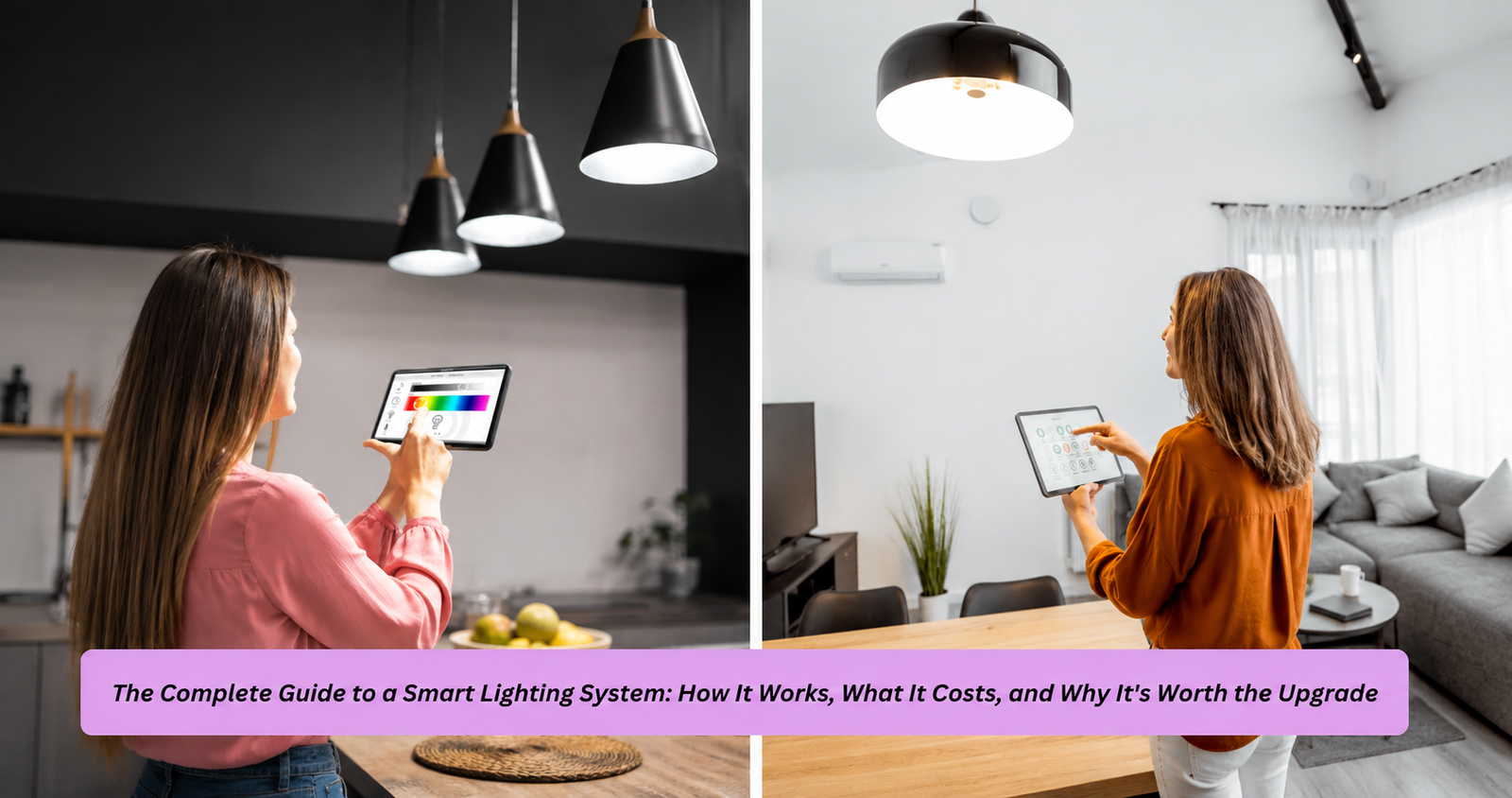
Walking into a room and having the lights greet you the way you want them — warm and dim for movie night, bright and cool for a Monday morning workout — used to feel like something out of a sci-fi film. Today, it’s just what a smart lighting system does, and it’s become one of the most practical entry points into home automation. Unlike a flashy gadget that sits in a drawer after a week, a well-set-up smart lighting system quietly earns its keep every single day, adjusting to your habits, saving energy, and occasionally making your house feel a little bit like it’s paying attention to you.
This guide goes deep into what a smart lighting system actually is, how it functions behind the scenes, what it costs in real terms, and how to avoid the common mistakes people make when they first try to set one up. Whether you’re renting a small apartment or retrofitting a five-bedroom house, there’s a version of this technology that fits your life — you just need to know what you’re looking at.
What Exactly Is a Smart Lighting System?
At its core, a smart lighting system is a network of connected light fixtures, bulbs, or switches that can be controlled remotely, scheduled automatically, and often adjusted for brightness, color, and warmth — all without anyone touching a physical switch. The “smart” part comes from connectivity: these systems talk to your smartphone, a voice assistant, or a central hub using wireless protocols like Wi-Fi, Zigbee, Z-Wave, or Bluetooth Mesh.
What separates a smart lighting system from a plain dimmer switch or a motion-sensor porch light is the layer of intelligence sitting on top. A traditional light either turns on or off. A smart lighting system, by contrast, can respond to triggers — the sun going down, someone walking through the front door, a specific time of day, or even a change in your Spotify playlist if you’ve linked it that way. Companies like Philips Hue, LIFX, Nanoleaf, and TP-Link Kasa have built entire product ecosystems around this idea, and most of them are compatible with major smart home platforms including Amazon Alexa, Google Home, and Apple HomeKit.
It’s worth noting that “smart lighting” isn’t a single product category — it’s more of an umbrella term. Under it, you’ll find smart bulbs (screw-in replacements for standard bulbs), smart switches (which replace your wall switch entirely), smart plugs (which turn a regular lamp smart without replacing the bulb), and smart light strips (flexible LED strips often used for accent lighting). Each has a different use case, and picking the wrong one for your situation is one of the most common early frustrations people run into.
How Does a Smart Lighting System Actually Work?
Under the hood, a smart lighting system relies on a mix of hardware and software working together in real time. Each bulb or switch contains a small radio chip that connects either directly to your home Wi-Fi network or to a dedicated hub, which then talks to your router. When you tap “turn off bedroom lights” on your phone, that command travels from the app to the cloud (in most cases), back down to your hub or bulb, and the light responds — usually within a second or two if your network is healthy.
Voice control adds another layer. When you say “Hey Google, dim the living room to 30 percent,” your voice assistant processes the request through natural language understanding, matches it to the specific device group you’ve named “living room,” and sends the corresponding command through the same pathway. This is why naming your devices clearly matters more than people expect — a smart lighting system is only as intuitive as the labels you give it. I’ve seen setups where someone names every bulb “Light 1,” “Light 2,” and so on, and within a month they’ve completely lost track of what controls what. Spend the extra ten minutes naming things by room and function; future-you will be grateful.
Automation is really where a smart lighting system shows its value. Instead of manually triggering scenes, you can create rules: lights turn on automatically at sunset, fade to 20 percent an hour before your usual bedtime, or snap to full brightness the moment your smart lock detects you’ve come home. These aren’t gimmicks — they’re the difference between a system you occasionally use and one that fundamentally changes how you interact with your home.
Key Components You’ll Need to Get Started
Before buying anything, it helps to understand the building blocks. Most smart lighting system setups include some combination of smart bulbs or switches, a hub (though many modern systems are hub-free and connect straight to Wi-Fi), a companion app, and optionally a voice assistant speaker or smart display. The hub question is one of the biggest decision points early on — hub-based systems like Philips Hue tend to be more stable and responsive because they use dedicated protocols like Zigbee instead of relying entirely on your home Wi-Fi, which can get congested.
That said, not everyone needs or wants an extra piece of hardware sitting on a shelf. Wi-Fi-only smart lighting system options, such as many TP-Link Kasa or Wyze products, skip the hub entirely and connect bulbs directly to your router. This is simpler to set up and cheaper upfront, but it can strain your Wi-Fi network if you have a dozen or more devices, and response times may lag slightly compared to hub-based mesh networks. As a rule of thumb: if you’re starting small (five bulbs or fewer), go hub-free. If you’re planning a whole-home rollout, a hub-based system will scale far more gracefully.
Benefits That Go Beyond Convenience
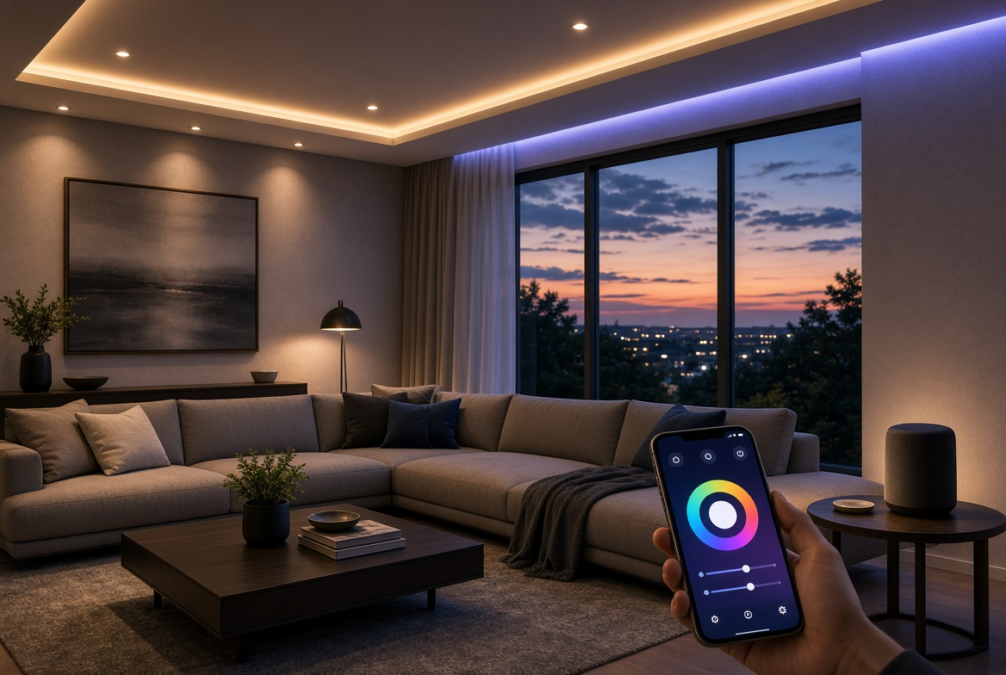
Convenience is the obvious selling point, but it’s really only the surface layer. A properly configured smart lighting system can meaningfully improve energy efficiency, since scheduling and motion-based automation reduce the number of hours lights sit on in empty rooms. Many systems also let you switch to warmer color temperatures in the evening, which research on circadian rhythms suggests can support better sleep quality by reducing blue light exposure before bed.
There’s also a security angle that people underestimate. Setting your lights to turn on and off in randomized patterns while you’re traveling makes your home look occupied, which is a simple but effective deterrent against opportunistic break-ins. “Most burglars aren’t looking for a challenge — they’re looking for the path of least resistance, and an empty, dark house is exactly that,” a home security consultant once told me during a consultation for a client’s property. A smart lighting system that mimics normal usage patterns removes that obvious signal.
Accessibility is another underrated benefit. For people with mobility limitations, being able to control every light in the house through voice command or a single app removes a genuine daily obstacle. I’ve spoken with caregivers who set up simplified voice routines for elderly family members specifically so they don’t have to navigate a dark hallway to find a switch at 2 a.m.
Common Problems and Practical Solutions
Like any connected technology, a smart lighting system isn’t immune to hiccups, and knowing the common pitfalls in advance saves a lot of frustration. The most frequent complaint is connectivity drops — a bulb that responds fine for weeks and then suddenly stops answering commands. This is almost always a Wi-Fi signal or router congestion issue rather than a problem with the bulb itself. The fix is usually straightforward: place your router centrally, avoid overloading a single 2.4GHz band with too many devices, or invest in a mesh Wi-Fi system if your home is large.
Another common issue is app fatigue — ending up with five different apps because you bought bulbs from five different brands. The solution here is standardization. Before buying, check whether a product supports a unifying standard like Matter, which was designed specifically to let devices from different manufacturers work together under one smart home platform without needing separate apps for each brand. Choosing Matter-compatible devices from the start can save you an enormous headache down the line.
Finally, there’s the “smart light left dumb” problem — someone installs a smart bulb but it’s controlled by a physical wall switch that occasionally gets flipped off, cutting power to the bulb and disconnecting it from the network. The simplest fix is replacing that physical switch with a smart switch, or at minimum, using a “smart” faceplate cover that discourages accidental use. It sounds like a small detail, but it’s one of the top reasons people give up on their smart lighting system within the first month.
Choosing the Right Smart Lighting System for Your Home
There’s no single “best” option — the right choice depends on your budget, your existing smart home ecosystem, and how much control you actually want. Here’s a comparison of some of the most established options on the market to help frame the decision:
| System | Connection Type | Hub Required | Best For | Approximate Starter Cost |
|---|---|---|---|---|
| Philips Hue | Zigbee (with Wi-Fi bridge) | Yes | Whole-home reliability and scale | $100–$200 |
| LIFX | Wi-Fi | No | Simplicity without extra hardware | $50–$150 |
| TP-Link Kasa | Wi-Fi | No | Budget-friendly entry point | $20–$60 |
| Nanoleaf | Wi-Fi/Thread | Sometimes | Decorative and accent lighting | $100–$250 |
| Lutron Caséta | Clear Connect (proprietary) | Yes | Switch-based whole-home control | $150–$300 |
If your priority is a rock-solid, whole-home smart lighting system that rarely drops connections, hub-based options with dedicated protocols tend to outperform pure Wi-Fi setups, especially as you scale past ten or fifteen devices. If you’re just testing the waters in a rental apartment, a hub-free starter kit is the more sensible entry point.
Installation and Setup: What to Actually Expect
Setting up a smart lighting system is generally more approachable than people assume, but a little planning prevents a lot of backtracking. Start with a single room rather than trying to convert the whole house at once. Screw in the bulbs, download the manufacturer’s app, and follow the pairing instructions — most modern bulbs pair within a minute or two. If you’re using a hub, it typically connects to your router via ethernet cable, after which devices pair to the hub rather than directly to Wi-Fi.
Naming conventions matter more than people expect, as mentioned earlier, but so does organizing devices into rooms and groups within the app. This is what makes voice commands like “turn off downstairs lights” actually work — the assistant needs a defined group to reference. It’s also worth setting up at least one or two automations right away, even simple ones like a sunset-triggered porch light, so you get a feel for how the automation engine behaves before building more complex routines.
Energy Efficiency and Long-Term Cost Savings
One of the more overlooked advantages of a smart lighting system is the cumulative energy savings over time. Most smart bulbs use LED technology by default, which already uses significantly less electricity than incandescent bulbs. Layer scheduling, occupancy sensors, and daylight-based dimming on top of that, and the savings compound. A bulb that automatically dims to 40 percent brightness during daylight hours and shuts off entirely when a room is empty draws meaningfully less power over a year than one left running at full brightness out of habit.
The upfront cost of a smart lighting system can feel steep compared to a pack of regular bulbs, but the math tends to work out over an 18-to-24-month window when you factor in both energy savings and the extended lifespan of LED bulbs, which typically last 15,000 to 25,000 hours compared to roughly 1,000 hours for a standard incandescent. For homeowners planning to stay in a property long-term, this isn’t just a convenience purchase — it’s a reasonable investment.
Security and Broader Smart Home Integration
A smart lighting system rarely operates in isolation once a household gets serious about home automation. It typically becomes one node in a larger network that might include smart locks, video doorbells, thermostats, and security cameras. The real power shows up in cross-device automation: a doorbell camera detects motion at 11 p.m. and triggers the porch and entryway lights to snap to full brightness, or a smart lock unlocking at the front door triggers a “welcome home” lighting scene throughout the house.
This kind of integration is exactly what platforms like Matter and existing ecosystems like Google Home or Apple HomeKit are trying to standardize, so that a lighting brand and a security camera brand — even if they’re made by completely different companies — can still talk to each other. When evaluating a smart lighting system, it’s worth checking not just how good the bulbs are on their own, but how well they’ll play with whatever else you might add to your smart home down the road.
The Future of Smart Lighting Technology
Smart lighting is still evolving quickly. Human-centric lighting — systems that automatically adjust color temperature throughout the day to mimic natural sunlight patterns — is moving from a niche wellness feature into a more mainstream offering. There’s also growing interest in lighting that responds to biometric or environmental data, such as adjusting brightness based on air quality readings or syncing with sleep-tracking wearables to ease you into a wind-down routine before bed.
Matter’s continued rollout is likely to be the biggest structural shift in the next few years, reducing the current fragmentation between brands and making a smart lighting system feel less like a collection of separate gadgets and more like one cohesive experience. As someone who’s watched this space mature over the past several years, the trajectory is clear: less friction, more interoperability, and lighting that adapts to you rather than the other way around.
Frequently Asked Questions
Is a smart lighting system worth the investment for a small apartment?
Yes, even in a small space, a smart lighting system can offer real value through convenience, energy savings, and the ability to create different moods for different activities. You don’t need a whole-home setup — a few smart bulbs in the living room and bedroom, paired with a basic voice assistant, is often enough to feel the benefit without a large upfront cost.
Do I need a hub to run a smart lighting system?
Not necessarily. Many modern smart lighting system options connect directly to your home Wi-Fi without requiring a separate hub, which makes setup simpler and cheaper for smaller installations. However, hub-based systems using protocols like Zigbee tend to be more stable and scale better once you’re managing a dozen or more devices across a full home.
Can a smart lighting system work without internet access?
It depends on the setup. Some smart lighting system configurations, particularly those using local protocols like Zigbee or Thread through a hub, can still operate basic on/off and dimming functions locally even if internet connectivity drops. However, voice control, remote access from outside your home, and cloud-based automations will typically stop working until the connection is restored.
How much does it cost to convert a whole house to a smart lighting system?
Costs vary widely based on the number of fixtures and the brand you choose, but a reasonable estimate for a mid-sized home ranges from $500 to $1,500 for a full smart lighting system covering every major room, including bulbs, switches, and a hub if needed. Starting with high-traffic areas like the living room and kitchen and expanding gradually is a practical way to spread out the cost.
Are smart lighting systems secure from hacking?
Reputable smart lighting system manufacturers implement encryption and regular firmware updates to reduce vulnerabilities, but no connected device is entirely risk-free. Using strong, unique Wi-Fi passwords, keeping firmware updated, and choosing established brands with a track record of security patches significantly reduces the practical risk for most households.
Final Thoughts
A smart lighting system isn’t just a novelty anymore — it’s a genuinely practical upgrade that touches convenience, energy efficiency, security, and even wellbeing. The key to getting real value out of one isn’t buying the flashiest bulbs on the market; it’s understanding your own habits, choosing a system that matches your home’s scale, and taking the time to set up automations that actually reflect how you live. Start small, get one room right, and expand from there — by the time your whole home is connected, you’ll wonder how you ever lived with plain wall switches.