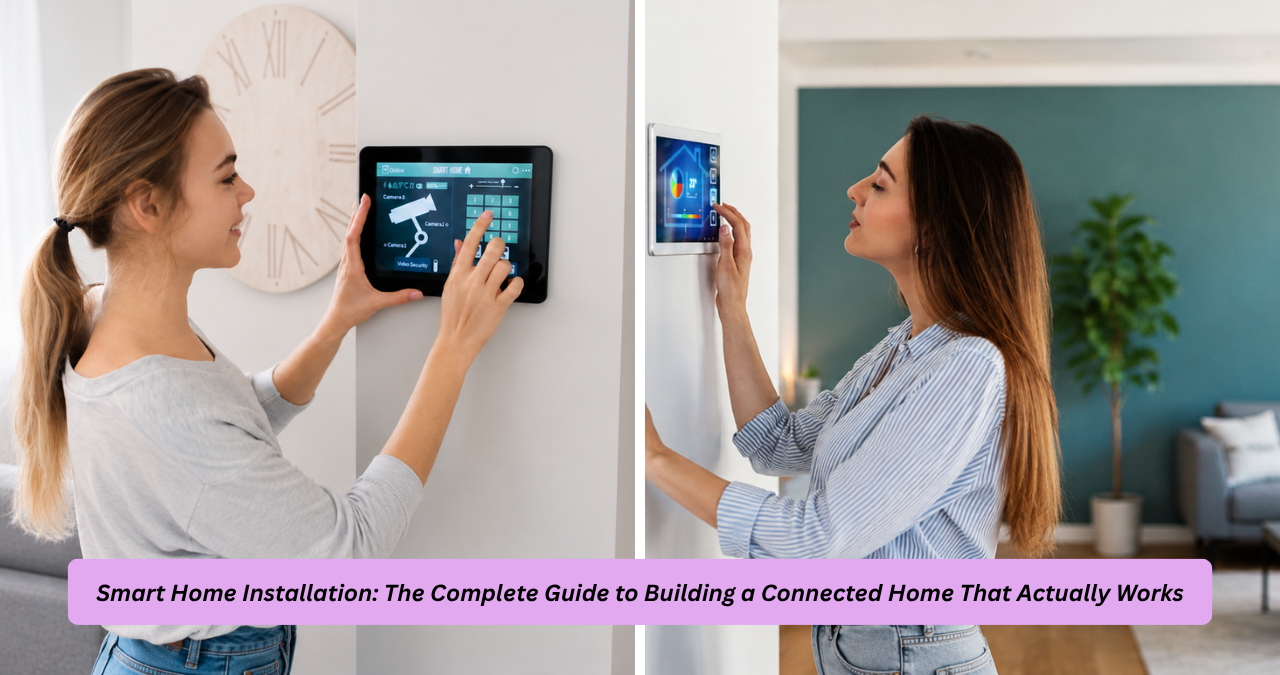
Walk into most electronics stores or scroll through any home improvement app and you’ll see the same promise everywhere: turn your house into a smart home in a weekend. The reality of smart home installation is a lot more nuanced than that marketing suggests, and the difference between a smart home that genuinely simplifies your life and one that becomes a source of constant frustration usually comes down to planning, not just the products you buy. This guide walks through everything that actually matters when you’re setting up connected devices in your home, from choosing a protocol to deciding whether to hire a pro.
Smart home installation covers a wide range of projects, from a simple smart speaker and a couple of smart bulbs to a fully integrated system controlling lighting, security, climate, and entertainment from a single app. The scope you choose changes almost everything else about the project, including cost, timeline, and how much technical know-how you’ll need along the way. Whether you’re starting from scratch or expanding an existing setup, understanding the fundamentals before you buy a single device will save you time, money, and a fair amount of frustration.
What Smart Home Installation Actually Involves
At its core, smart home installation is the process of connecting devices, sensors, and controllers so they can communicate with each other and be managed remotely, usually through a smartphone app, voice assistant, or centralized hub. This isn’t just plugging in a smart plug and calling it done. A proper installation involves setting up a reliable network foundation, choosing compatible devices, configuring automation rules, and in many cases, running wiring or making electrical modifications for hardwired components like smart switches or in-wall thermostats.
The scope of a project can range dramatically depending on the goal. Someone who wants voice control over a few lamps has a very different installation process than someone building out a whole-home system with smart locks, video
doorbells, motion sensors, and integrated HVAC control. I’ve seen homeowners jump straight into buying a dozen devices before checking whether their Wi-Fi router could even handle the additional load, only to end up with a network that drops connections constantly. A successful smart home installation starts with mapping out what problems you’re actually trying to solve, whether that’s energy savings, convenience, security, or accessibility, and then building the system around those goals rather than around whatever gadget looked exciting in a store display.
Choosing the Right Smart Home Ecosystem
One of the first and most consequential decisions in any smart home installation is picking an ecosystem, meaning the platform that will serve as the central brain of your setup. The major players are Amazon Alexa, Google Home, Apple HomeKit, and increasingly, Matter, a newer industry standard designed to make devices from different brands work together without the compatibility headaches that plagued smart homes for years. Each ecosystem has its own strengths: Alexa has the largest device compatibility list, Google Home integrates tightly with Android phones and Nest products, and Apple HomeKit tends to offer the strongest privacy and security controls, though historically at the cost of a smaller device selection.
Matter has changed this landscape significantly since its rollout, acting as a universal language that lets devices from Amazon, Google, Apple, and other manufacturers work within the same smart home setup without requiring separate apps for everything. A smart home technician I spoke with described the shift this way: “Before Matter, half my job was troubleshooting compatibility issues between brands. Now I’m spending that time actually optimizing automations instead.” That’s a meaningful shift for anyone planning a smart home installation today, because it means you’re no longer locked into a single manufacturer’s ecosystem the way early adopters were just a few years ago.
Choosing the right ecosystem isn’t just a technical decision, it’s also about matching the platform to how you actually live. If your household already uses iPhones and values privacy, HomeKit-compatible devices paired with Matter support make sense. If you want the widest range of budget-friendly device options and don’t mind Amazon’s ecosystem, Alexa remains the most flexible starting point for most smart home installation projects.
DIY vs. Professional Smart Home Installation
This is where a lot of people get stuck, and it’s worth being honest about the trade-offs instead of assuming DIY is always cheaper or professional installation is always better. DIY smart home installation makes sense for wireless devices like smart plugs, smart speakers, video doorbells, and battery-powered sensors, since these typically require nothing more than downloading an app, connecting to Wi-Fi, and following a setup wizard. For renters or anyone who wants to start small and expand gradually, this approach keeps costs low and gives you full control over the pace of the project.
Professional installation becomes the smarter choice once you’re dealing with anything involving electrical wiring, structured cabling, or whole-home integration. Hardwired smart switches, in-wall smart thermostats, integrated home theater systems, and whole-home audio all typically require either electrical knowledge or low-voltage wiring experience that goes beyond what most homeowners are comfortable handling safely. A licensed electrician or a certified smart home installer, often referred to as a low-voltage technician or home automation specialist, can also make sure your setup complies with local electrical codes, which matters both for safety and for resale value down the line.
There’s also a middle ground that a lot of guides skip over: hybrid installation. This is where you handle the easy, wireless parts of the project yourself and bring in a professional specifically for the more complex or higher-risk components, like wiring a smart panel or configuring a whole-home mesh network. This approach tends to be the most cost-effective for mid-sized smart home installation projects, since you’re not paying labor rates for tasks you could easily do yourself, but you’re also not risking a botched wiring job to save a few hundred dollars.
Building a Reliable Network Foundation
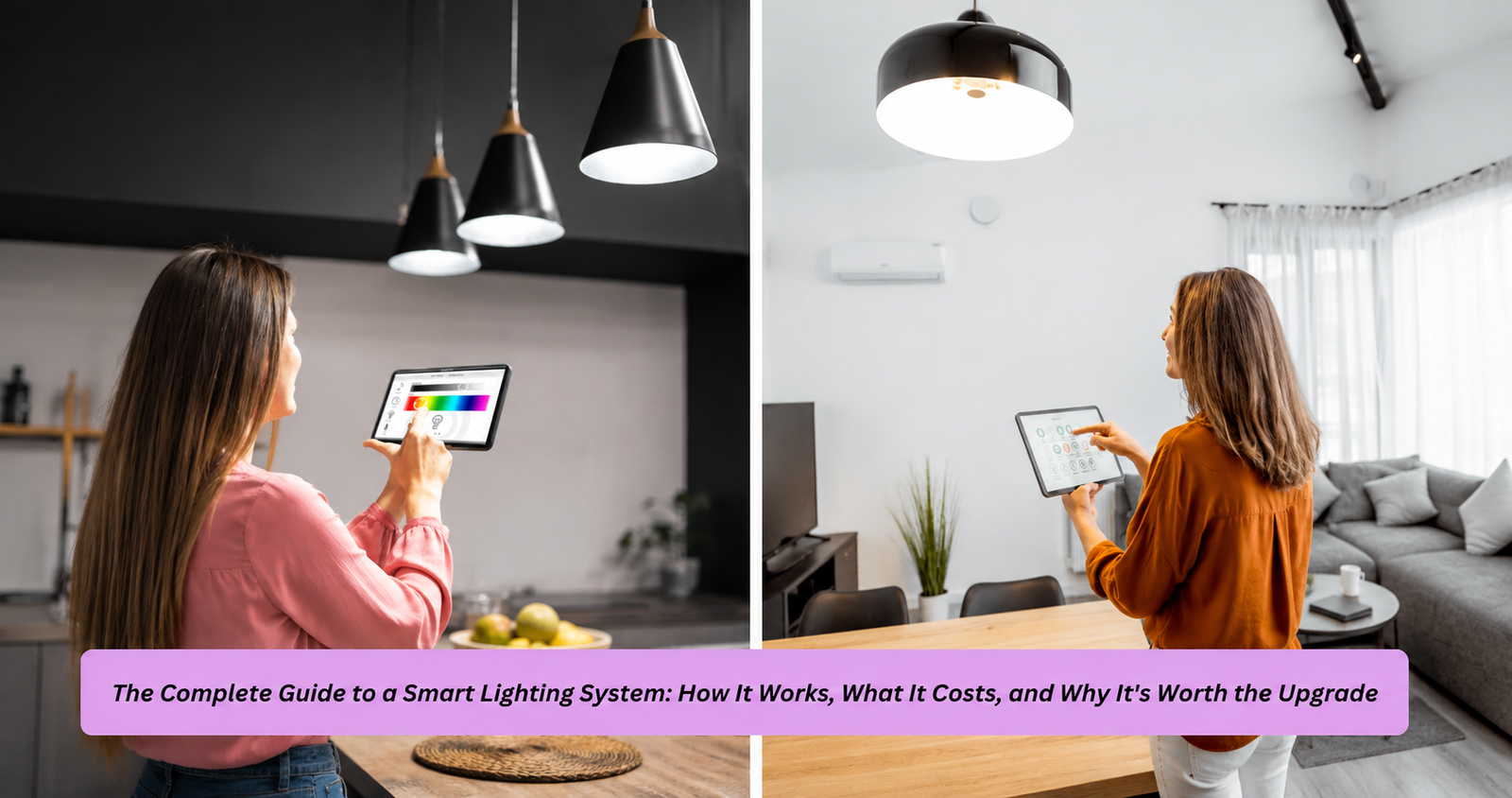
Nothing undermines a smart home faster than a weak or overloaded network, and this is genuinely the most overlooked part of smart home installation. Every connected device, from a smart bulb to a security camera, is essentially a small computer that needs a stable connection to function properly. A standard home router that was fine for a laptop and a couple of phones often struggles once you add fifteen or twenty smart devices, especially bandwidth-heavy ones like video doorbells and security cameras that are constantly streaming or uploading footage.
Mesh Wi-Fi systems have become the standard recommendation for anyone doing a serious smart home installation, particularly in homes larger than about 1,500 square feet or with multiple floors. Unlike a single router, a mesh system uses multiple access points spread throughout the house to eliminate dead zones, which matters enormously for smart home reliability since a device that loses connection even briefly can fail to respond to voice commands or automation triggers. Beyond Wi-Fi, many smart home devices rely on other wireless protocols like Zigbee, Z-Wave, or Thread, which operate on different frequencies and often require a dedicated hub or bridge to translate their signals into something your main app can control.
Setting your network up correctly at the start of a smart home installation prevents a huge percentage of the problems homeowners run into later. A network engineer I worked with while researching this topic put it simply: “People blame the smart device when it stops responding, but nine times out of ten, it’s actually the network struggling to keep up.” Investing in a quality router or mesh system upfront, and separating smart home devices onto their own network band or guest network when possible, pays off in reliability that’s noticeable within the first week of use.
Smart Home Installation Costs and What Affects Them
Cost is one of the most common questions people have before starting a smart home installation, and the honest answer is that it varies enormously based on scope. A basic setup with a smart speaker, a couple of smart plugs, and a video doorbell might run under three hundred dollars entirely DIY. A mid-range project involving smart lighting throughout a house, a smart thermostat, and a few security cameras typically falls somewhere between one and three thousand dollars, especially if
professional installation is involved for any hardwired components. Full whole-home automation systems, including integrated security, climate control, lighting, and entertainment, can run anywhere from five thousand to well over twenty thousand dollars depending on house size and the complexity of the integration.
Labor costs for professional smart home installation generally range from seventy-five to one hundred fifty dollars per hour, though many companies quote flat rates for specific packages like whole-home lighting or security system setup. It’s worth getting at least two or three quotes before committing, since pricing can vary significantly based on region and whether the installer is an independent contractor or part of a larger home automation company. Beyond the upfront cost, it’s also worth factoring in ongoing expenses like subscription fees for cloud storage on security cameras or premium features on certain platforms, since these recurring costs can add up over the life of the system.
Comparing Common Smart Home Installation Approaches
| Installation Type | Typical Cost Range | Best For | Skill Level Needed |
|---|---|---|---|
| DIY wireless devices | $50–$500 | Renters, small starter setups | Beginner |
| Hybrid (DIY + pro wiring) | $500–$3,000 | Mid-size homes, mixed device types | Intermediate |
| Full professional install | $3,000–$20,000+ | Whole-home automation, new builds | Professional required |
| Smart security add-on | $200–$1,500 | Cameras, doorbells, locks | Beginner to Intermediate |
| Smart lighting overhaul | $300–$2,500 | Whole-house lighting control | Intermediate |
Common Mistakes to Avoid During Installation
The single most common mistake in smart home installation is buying devices before planning the system as a whole. It’s easy to grab a smart plug on sale or a discounted camera during a holiday deal, but devices purchased without a clear plan often end up incompatible with each other or with the ecosystem you eventually settle on. Taking the time to sketch out which rooms need what functionality, and researching compatibility before purchasing, prevents the frustrating experience of returning devices or leaving them unused in a drawer.
Another frequent issue is underestimating network requirements, which we touched on earlier but is worth repeating because of how often it derails otherwise well-planned projects. Homeowners also commonly overlook automation
, meaning the actual rules that make a smart home feel smart rather than just remotely controllable. Simply having lights you can turn on from your phone isn’t much different from a light switch; the real value comes from automations like lights that adjust based on sunset time, thermostats that learn your schedule, or security systems that send alerts only when something meaningful happens rather than every time a leaf blows past a camera. A well-executed smart home installation spends as much time on these automation rules as it does on physical device placement.
Frequently Asked Questions
How much does smart home installation typically cost?
Smart home installation costs range widely based on scope, from around two hundred to five hundred dollars for a basic DIY setup with a few wireless devices, up to several thousand dollars for professionally installed whole-home systems that include security, lighting, and climate integration.
Can I do smart home installation myself?
Yes, many aspects of smart home installation are designed for DIY setup, particularly wireless devices like smart plugs, speakers, and battery-powered sensors that only require an app and a Wi-Fi connection, though hardwired components like smart switches or in-wall thermostats generally require an electrician or licensed installer.
What is the best smart home ecosystem to start with?
There isn’t a single best ecosystem for every situation, but Amazon Alexa offers the widest device compatibility for budget-conscious smart home installation, Google Home works well for Android-centric households, and Apple HomeKit is generally preferred by users who prioritize privacy, with Matter increasingly bridging compatibility across all three.
Do I need a strong Wi-Fi network for smart home installation?
Yes, a reliable network is one of the most critical foundations of any smart home installation, and homes with more than a handful of connected devices typically benefit from a mesh Wi-Fi system to avoid dead zones and connection drops that can make automations and voice commands unreliable.
How long does a typical smart home installation take?
A basic DIY smart home installation with a few devices can be completed in a single afternoon, while professionally installed whole-home systems involving wiring, multiple device categories, and custom automation programming typically take anywhere from one to several days depending on house size and project complexity.
Is professional smart home installation worth the cost?
Professional installation is worth the investment for projects involving electrical wiring, structured cabling, or complex whole-home integration, since it ensures code compliance, safety, and a properly configured network, while simpler wireless setups are generally well suited to a DIY approach without added labor costs.
Final Thoughts on Smart Home Installation
A successful smart home installation isn’t really about how many devices you own, it’s about how well those devices work together to solve real problems in your daily life. The homes that end up feeling genuinely smart, rather than just cluttered with gadgets, are almost always the ones where the homeowner took time to plan the ecosystem, build a solid network foundation, and think through automation logic before buying anything.
If you’re just getting started, resist the urge to buy everything at once. Begin with one or two devices that solve an actual annoyance in your routine, get comfortable with the app and automation settings, and expand from there. Whether you handle the entire project yourself or bring in a professional for the more complex pieces, a thoughtful, well-planned smart home installation will save you money, reduce frustration, and ultimately deliver the convenience that drew you to the idea of a connected home in the first place.